
Order from the shop
Order products online and pick them up at the front desk.
Our shop has treats, toys, gear, and more. You order and pay online. Then pick up your order at the front desk. Online training courses come by email.
Steps
- Press Shop at the top of the website. Then press Shop in the list.
- Scroll to In-store products.
- Found something you like? Press Add. Some items let you pick a size or color first.
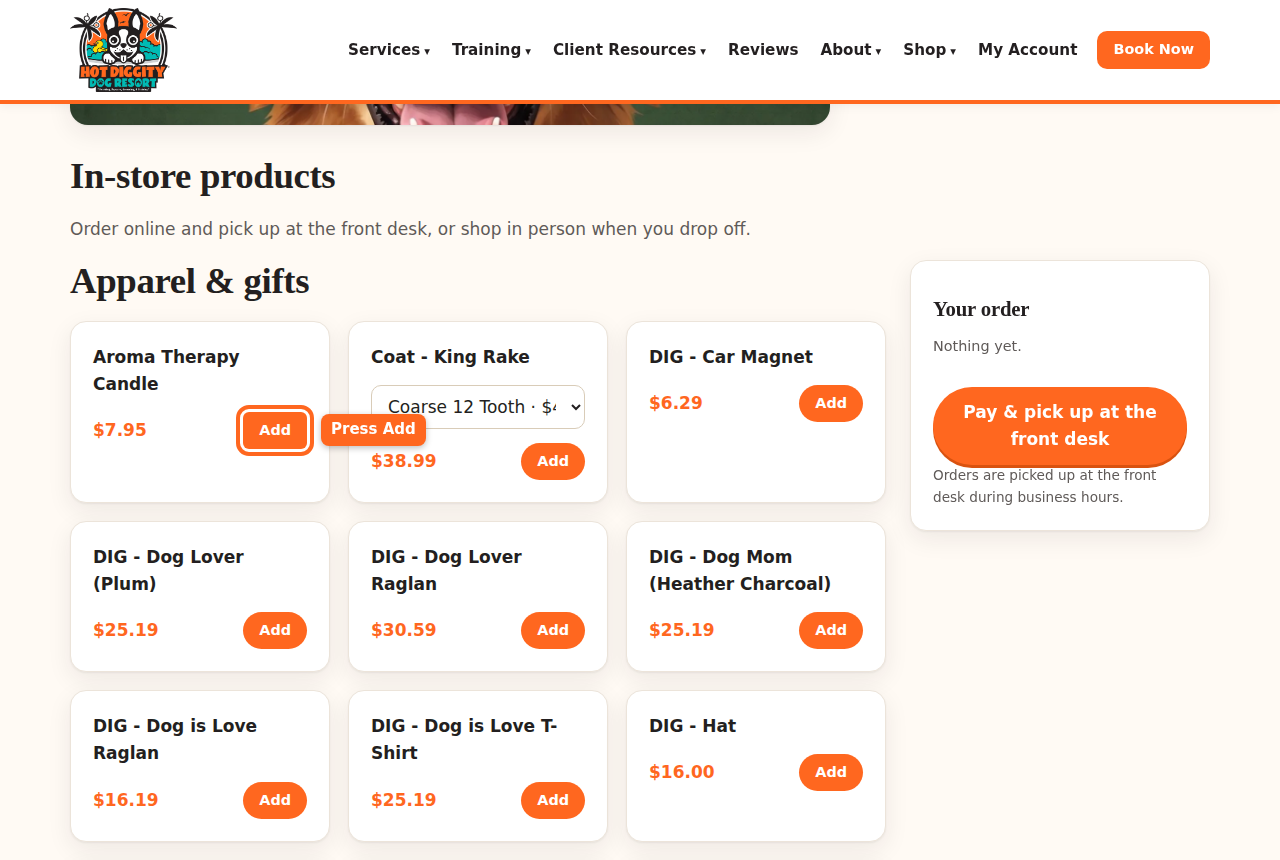
The Add button on a shop item - Your items show in Your order. Press × to take one out.
- Not logged in? Press Log in to order.
- Press Pay now, pick up at the front desk. You pay by card first.
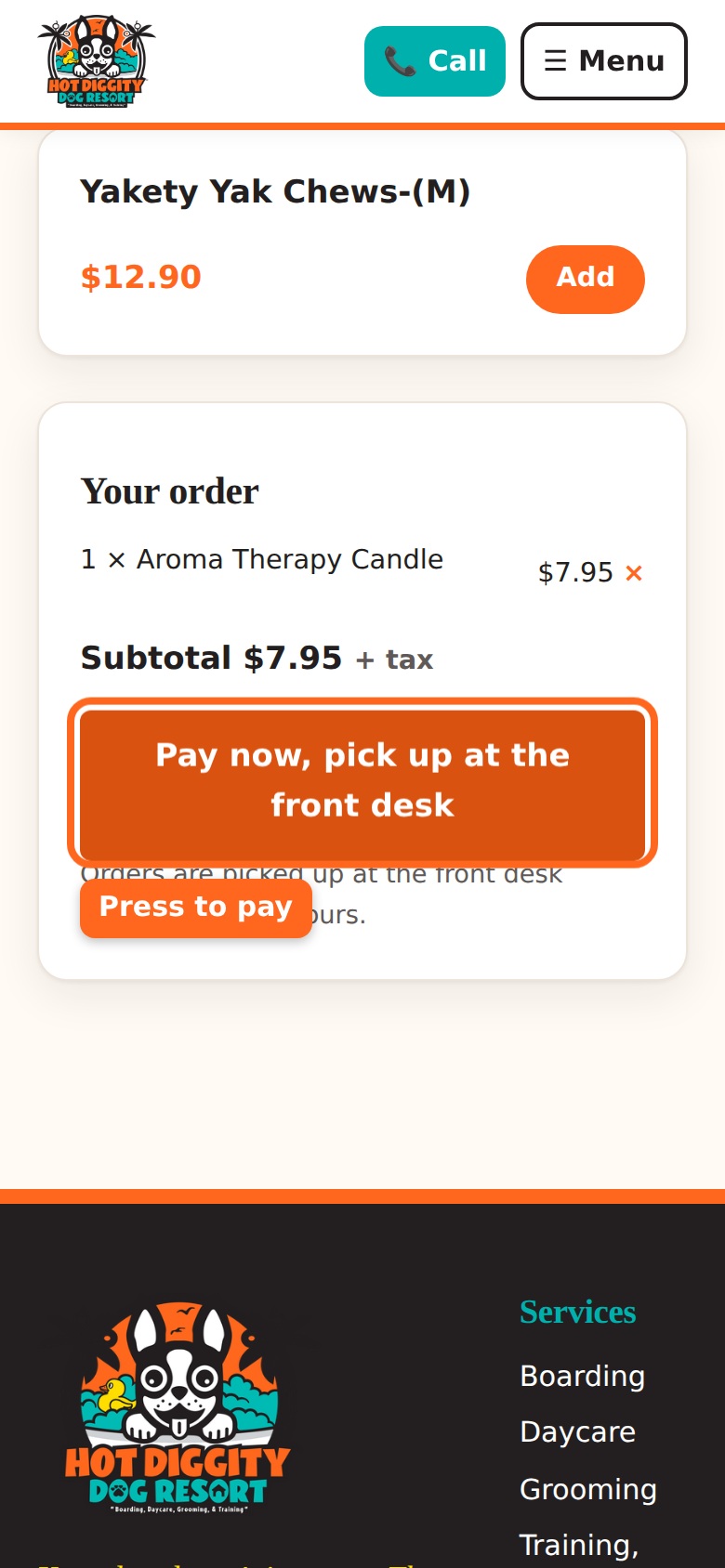
The Pay now, pick up at the front desk button - A safe card page opens. Type your card and pay.
- You come back to the shop. It says your order is paid.
- Pick up your order at the front desk during business hours.Good to know: You pay online first. The button says "at the front desk" because that's where you pick it up.Tip: See "Online ordering isn't open yet"? Call us, or shop at the desk when you drop off.Tip: Some items say Buy on another store. Those ship to your home from that store.Stuck? Call us at (760) 745-9900.