
Change your details or your dog's info
Keep your phone, emergency contact, photos, and dog info up to date.
Keep your info up to date. It helps us reach you fast. It also speeds up check-in.
Change your details
- Log in. Press My details in the menu.
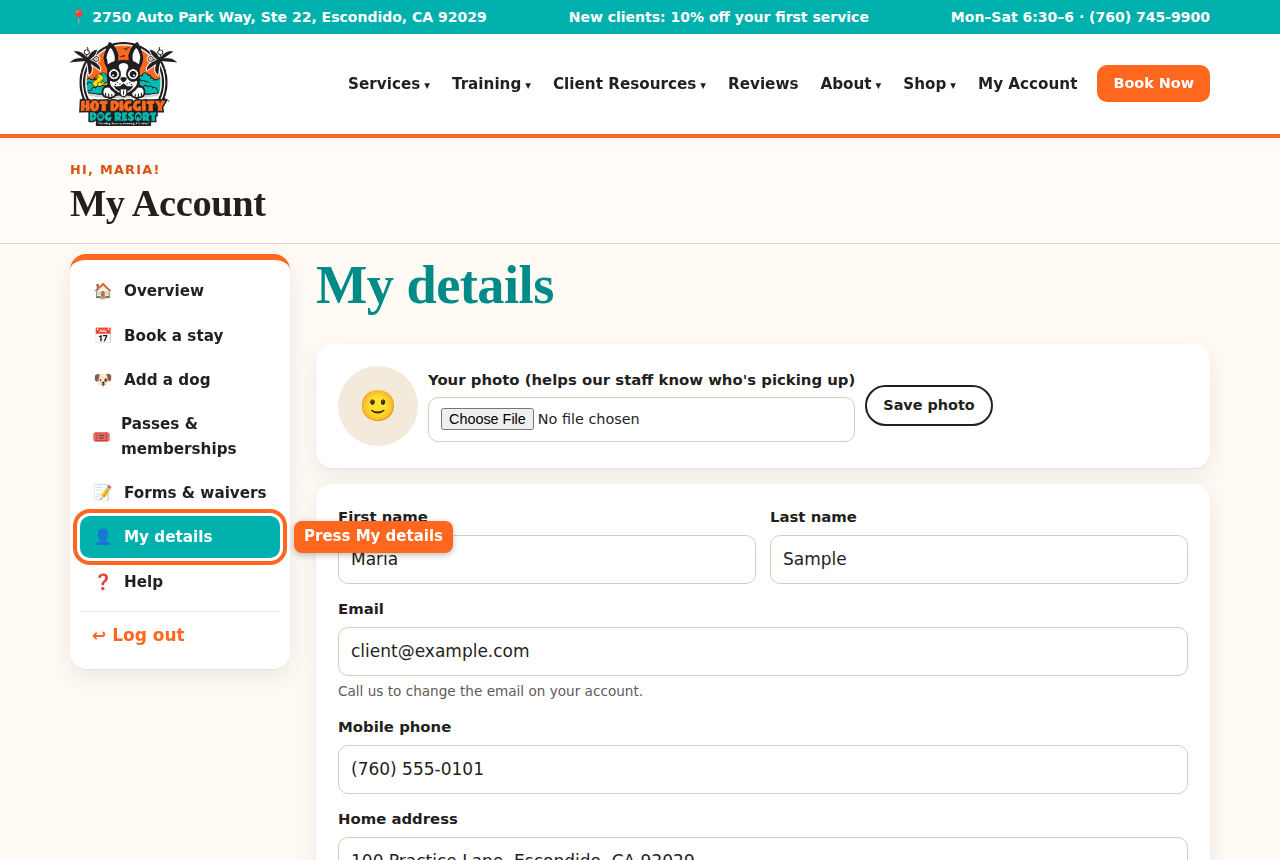
The My details button - Change your First name, Last name, or Mobile phone.
- Add your Home address and Other phone (home or work).
- Add an Emergency contact (name and phone).
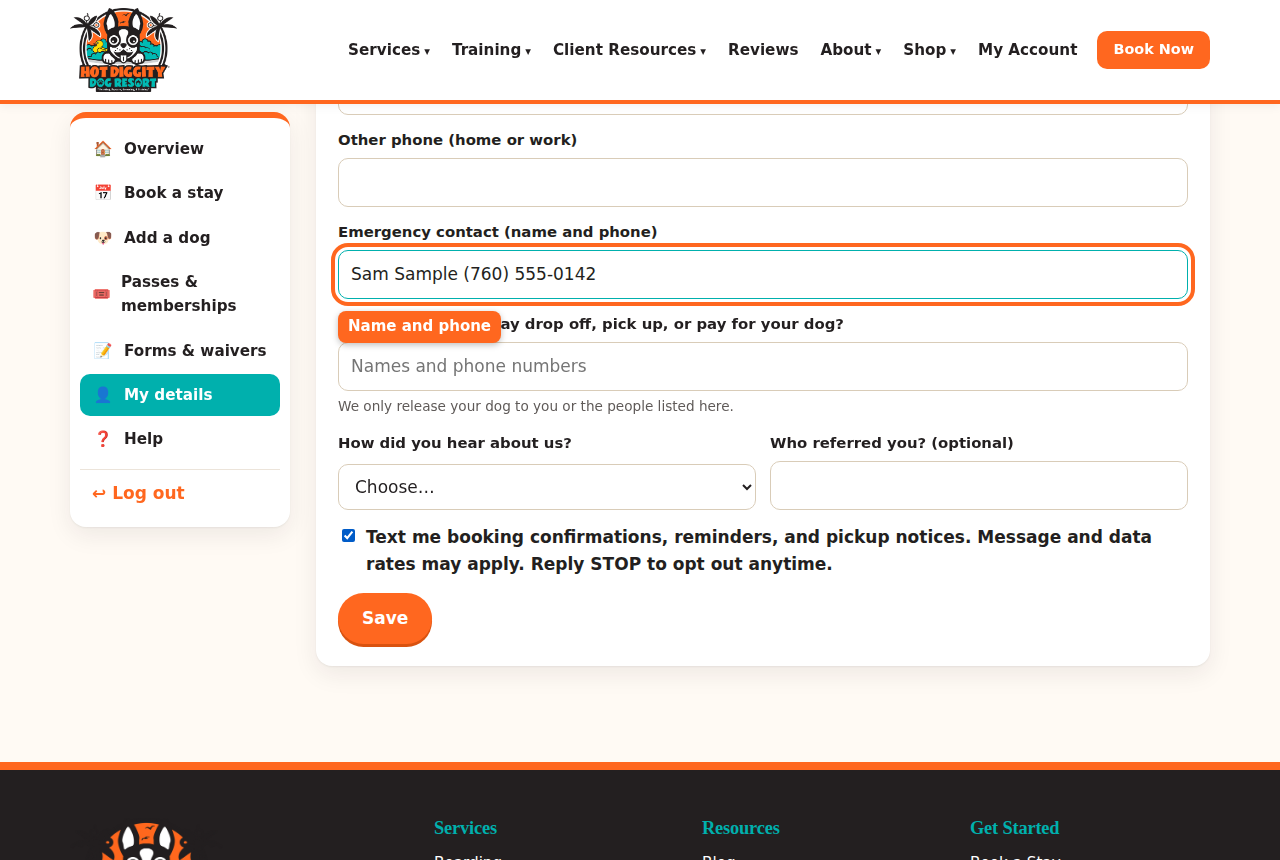
The Emergency contact box - In Anyone else who may drop off, pick up, or pay for your dog?, list names and phone numbers.
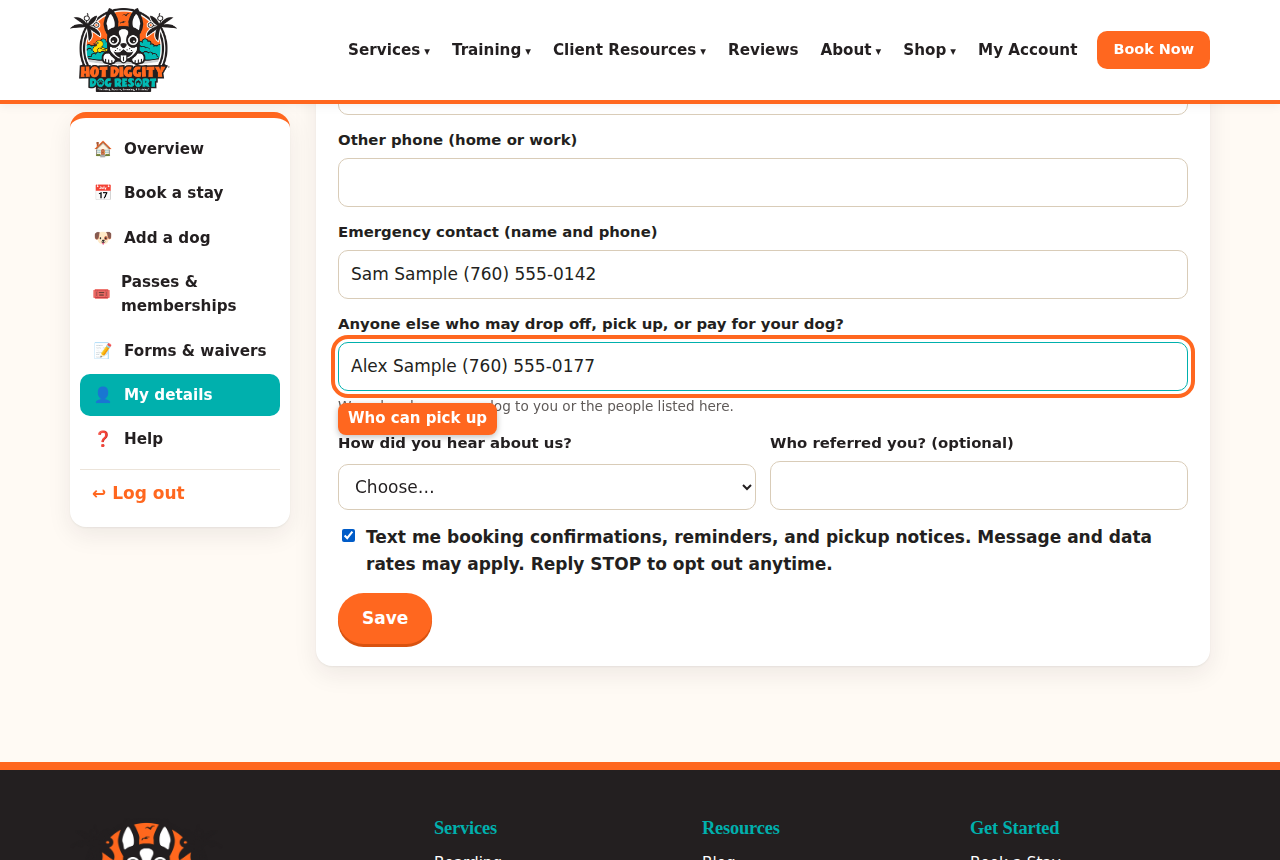
The box for other people who may pick up Good to know: We only let your dog go home with you or the people on this list. - Press Save.
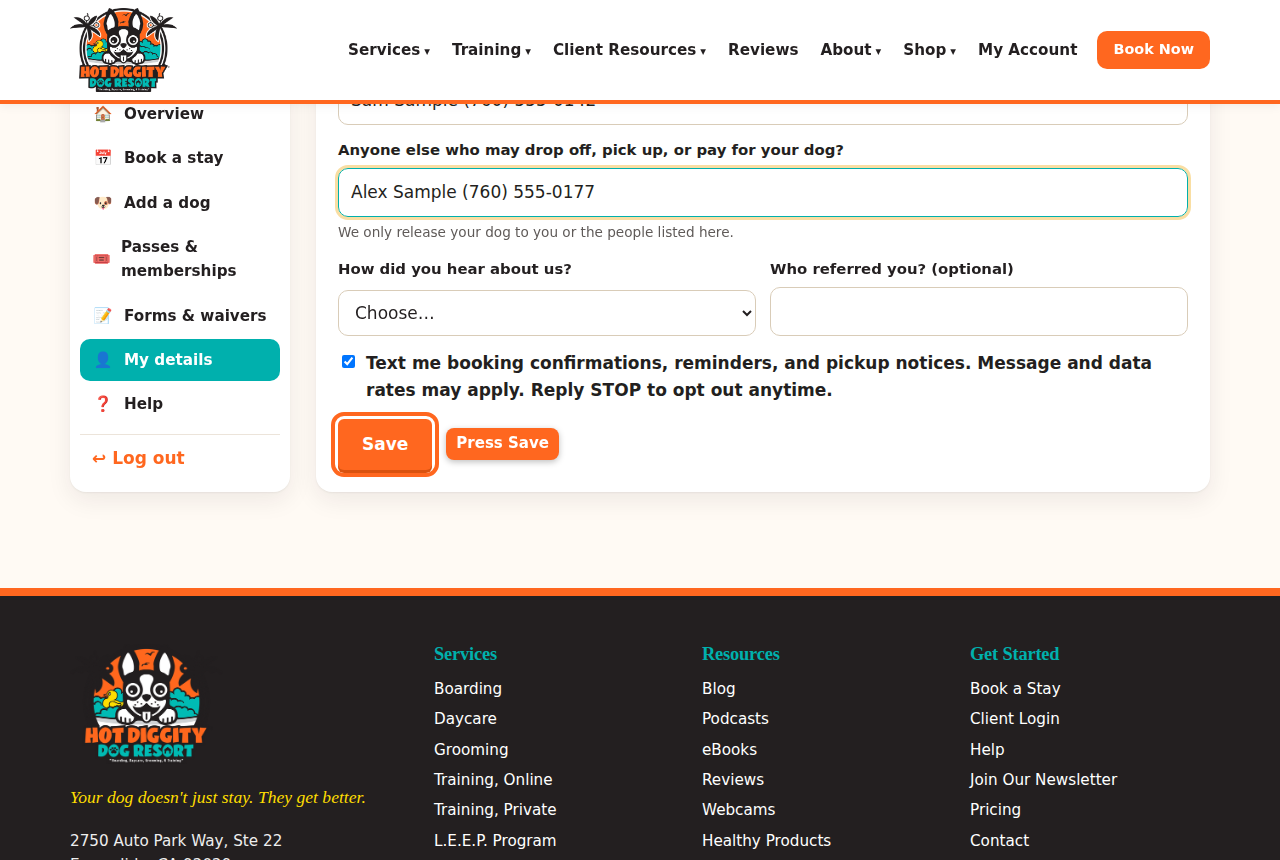
The Save button - You see "Saved."
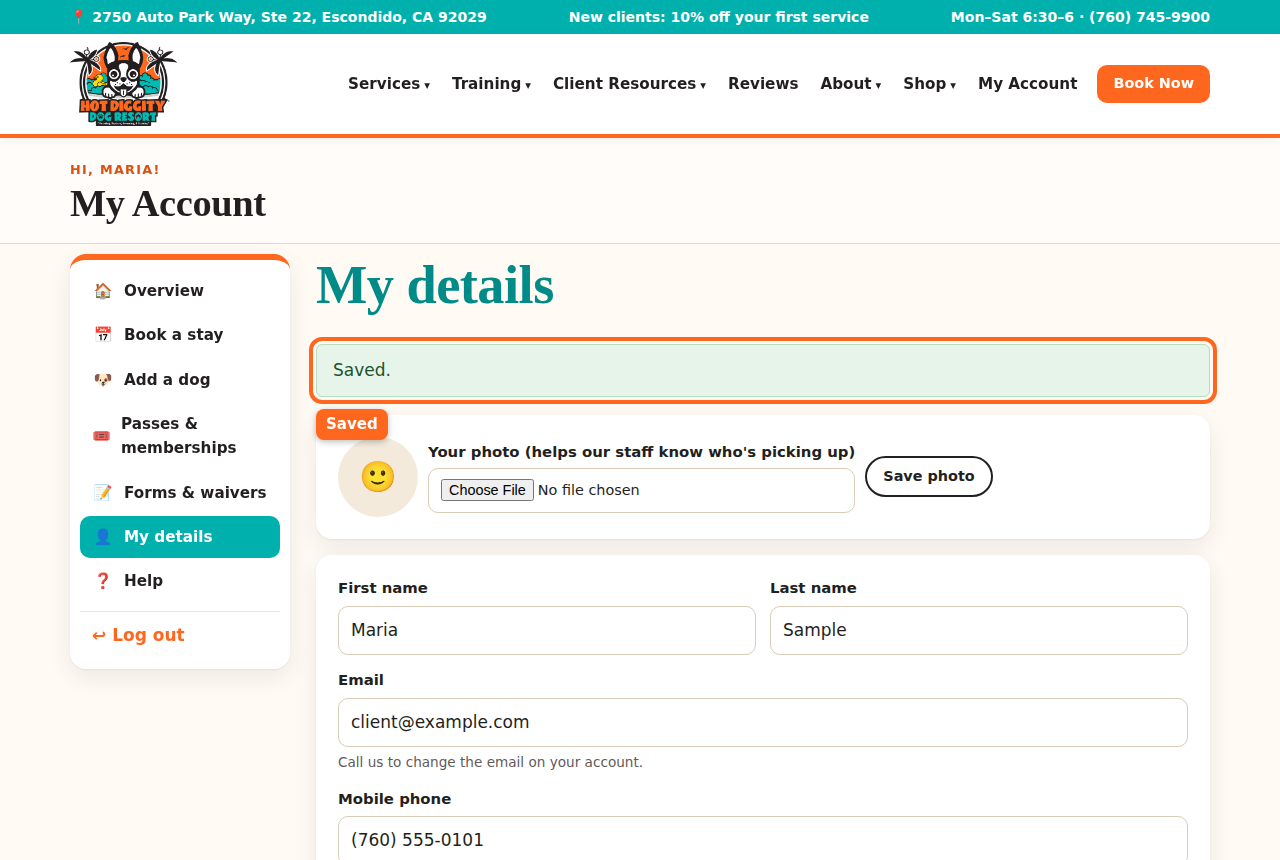
The Saved message Good to know: You can't change your email here. Call us to change the email on your account.
Add your photo
A photo of you helps our team know who is picking up.
- On My details, find the photo box at the top.
- Press Choose File. Pick a photo of your face.
- Press Save photo.
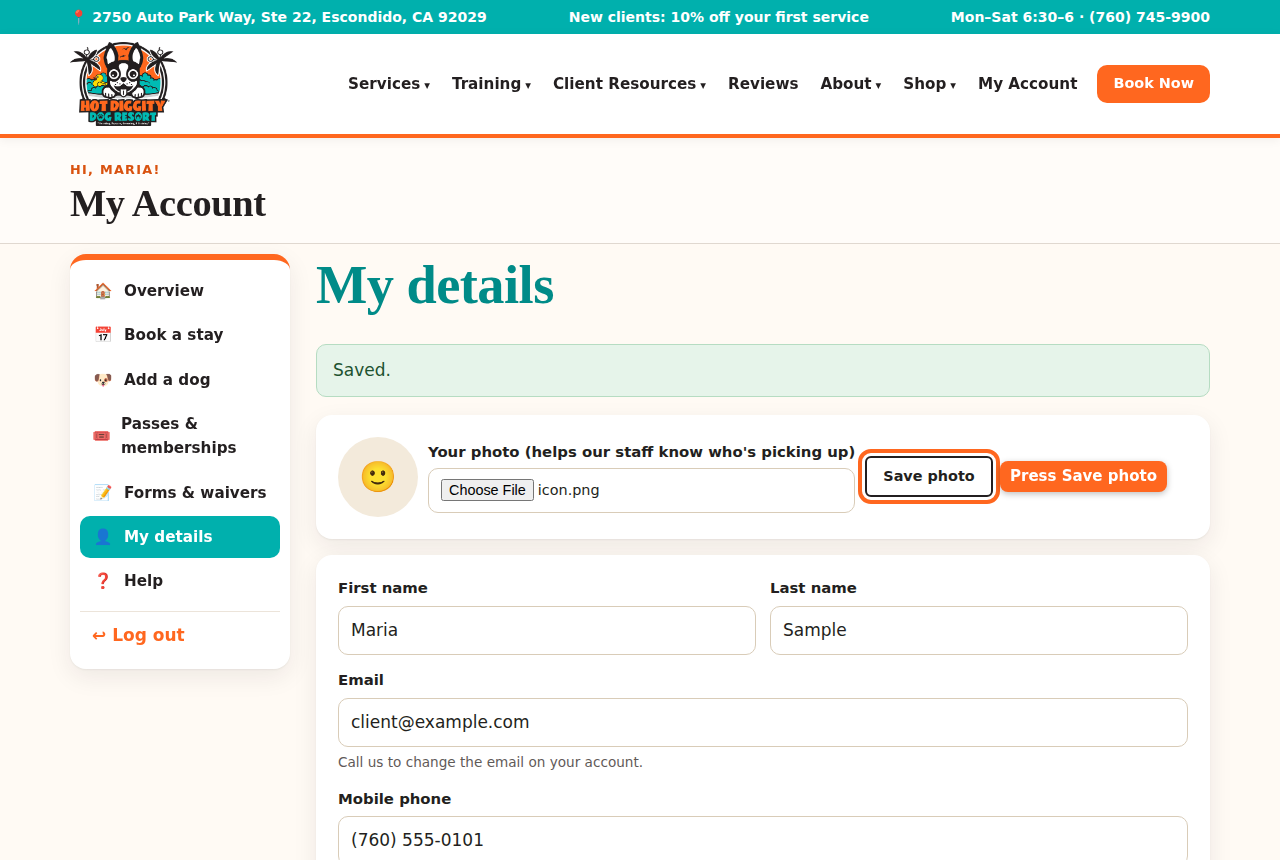
The Save photo button
Change your dog's info
- On My Account, press your dog's name under My dogs.
- Scroll down to About your dog.
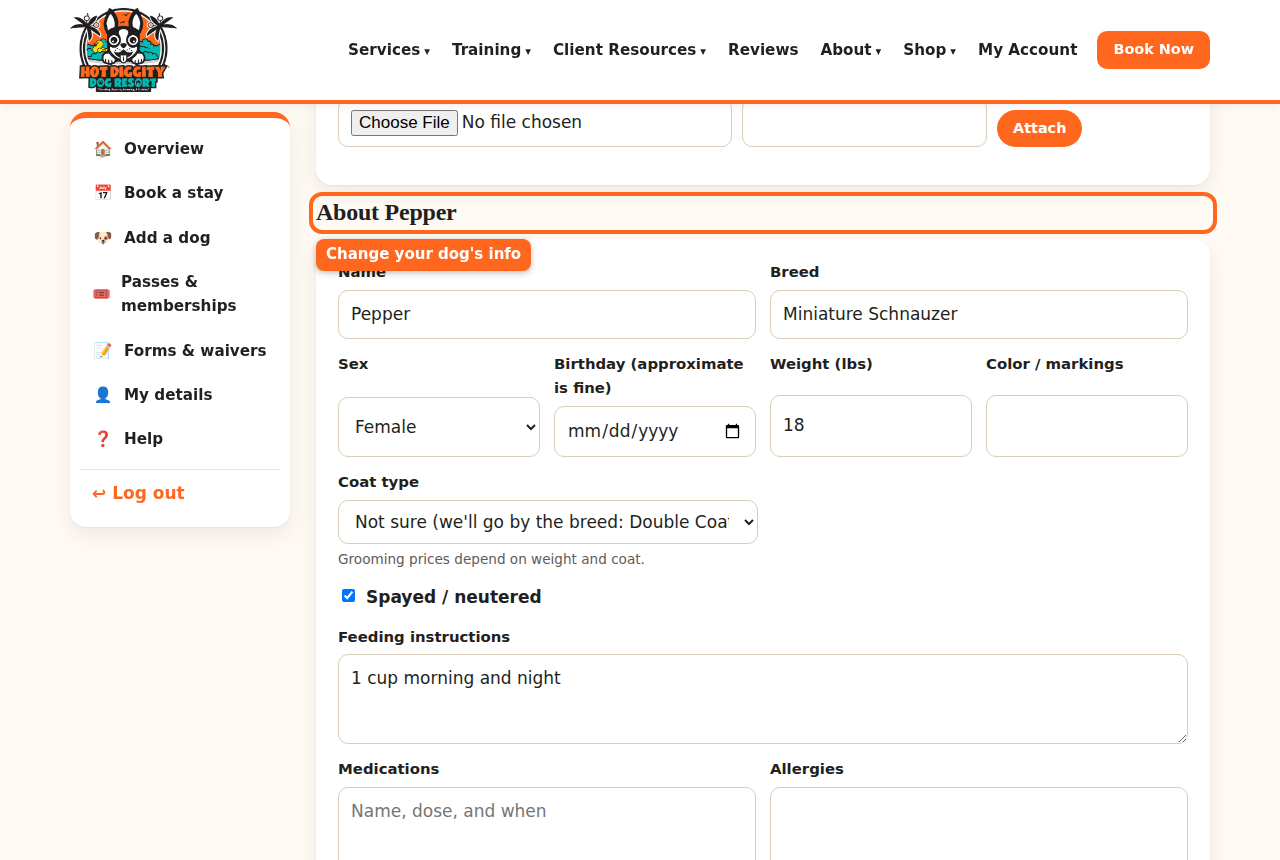
The About section on the dog's page - Change what you need. Weight, food, medicine, and vet are all here.
- Press Save changes.
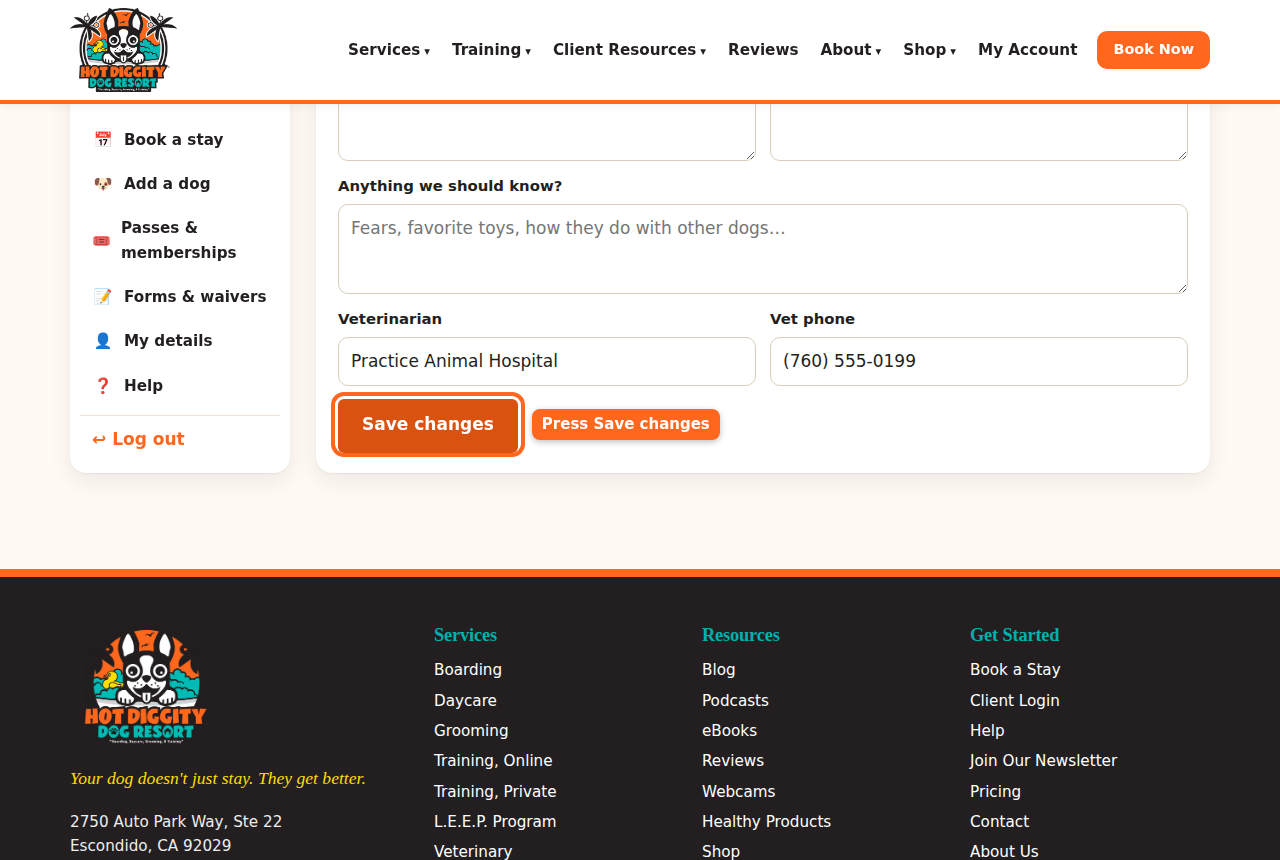
The Save changes button Tip: Update the weight when your dog grows. Prices depend on it.
Add your dog's photo
- Open your dog's page.
- At the top, next to Add a photo, press Choose File.
- Pick a photo of your dog.
- Press Save photo.
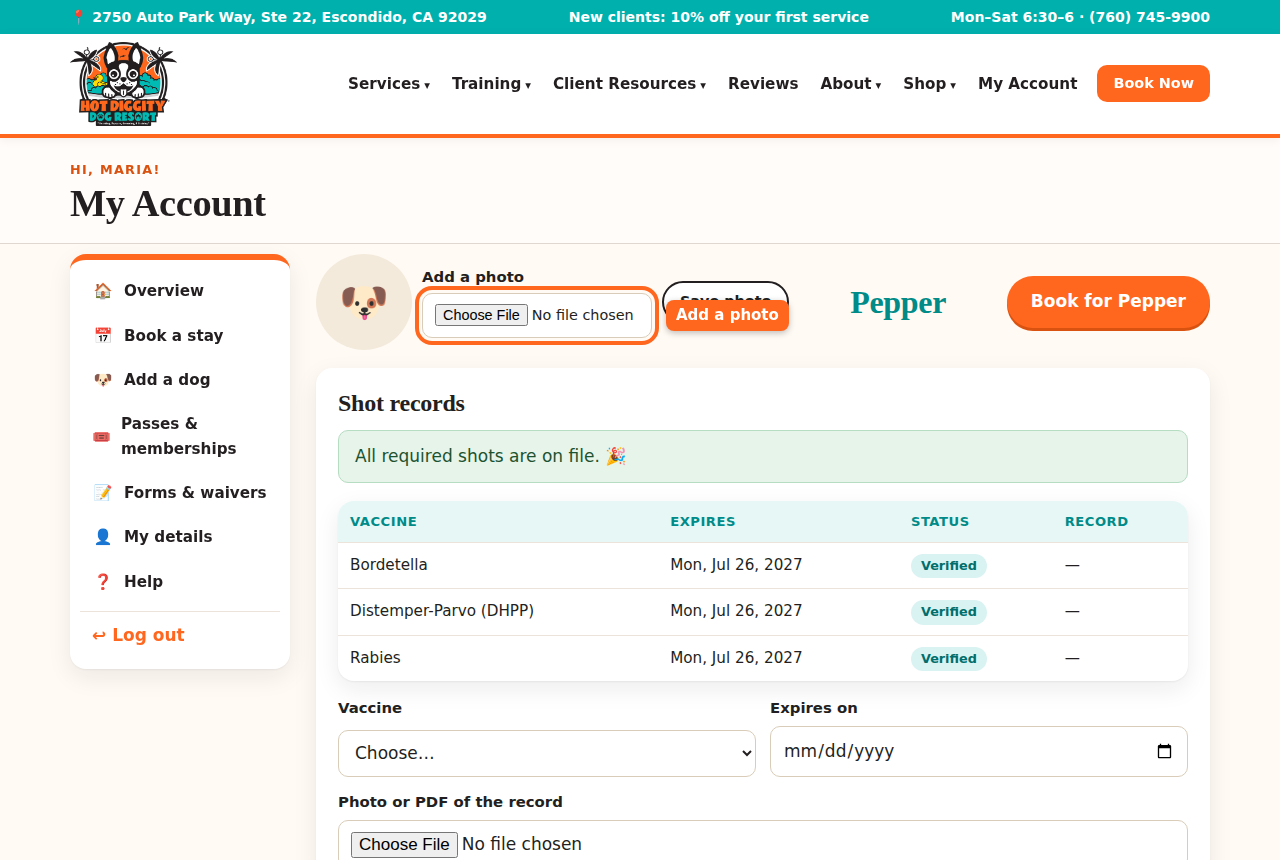
The Add a photo box on the dog's page Good to know: There is no button to remove a dog. Did a dog pass away or move? Please call us, and we will take care of it.Stuck? Call us at (760) 745-9900.