
Watch the webcams
Peek in on your dog while they play or stay with us.
▶ Watch this video in a new tab if it doesn’t play above.
You can watch our daycare floor and boarding suites. Use any phone, tablet, or computer. There is no app to get. The cameras have their own login. Your website login won't work there.
Steps
- Log in. On My Account, find Watch the webcams.
- Read the login help in that box.
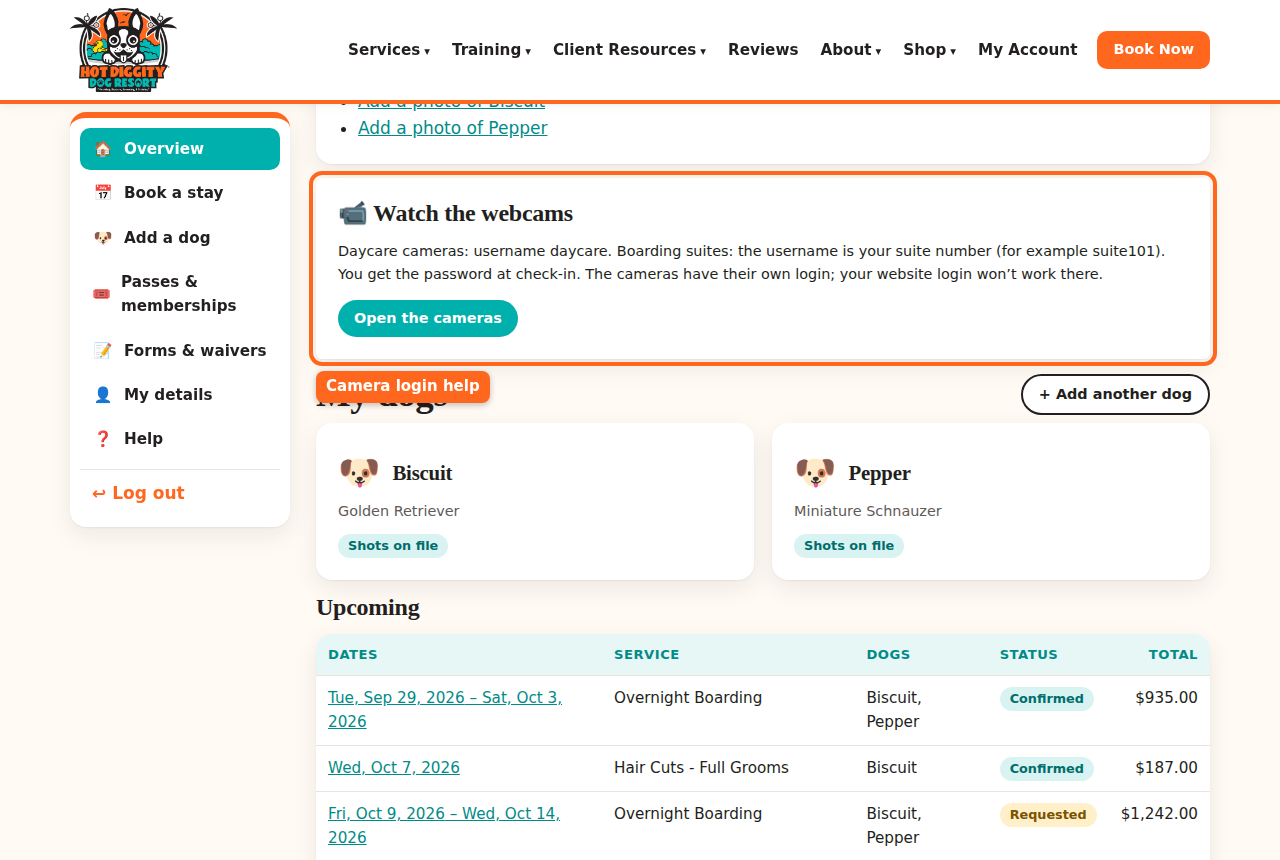
The Watch the webcams box on My Account - While your dog is checked in, the box shows the camera username and Password. At other times, it tells you how the login works.
- Press Open the cameras. The camera page opens.
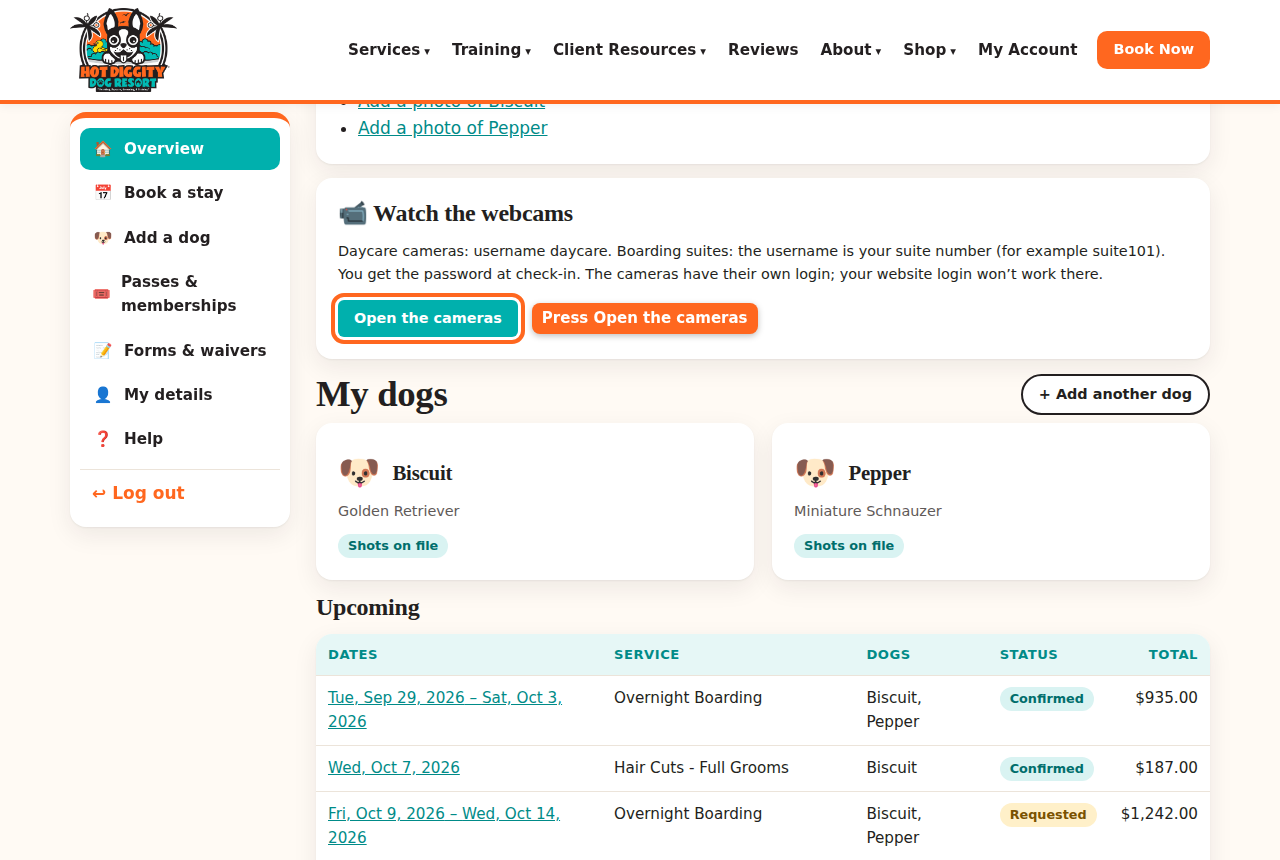
The Open the cameras button - Type the camera username and password. Then watch!
Which username?
- Daycare: the username is daycare.
- Boarding: each suite has its own. The username is your suite number, like suite101.
- You get the password at check-in. While your dog is here, it also shows in your account.
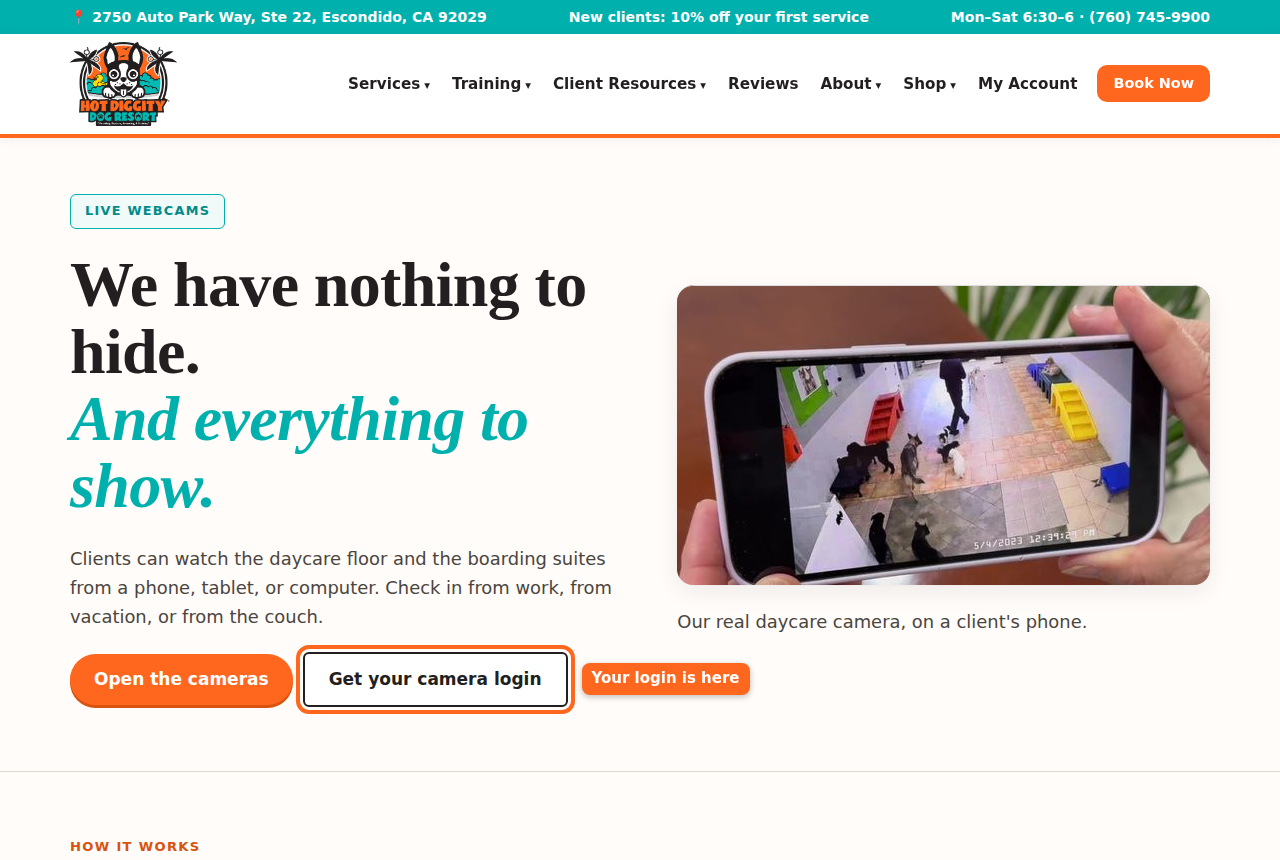
Tip: You can also find the cameras from our Webcams page. Press Get your camera login to go to your account.
Tip: The camera won't load? Try a different browser. Or turn Wi-Fi off and on.
Stuck? Call us at (760) 745-9900.