
Add your dog
Tell us about your dog so you can book.
Each dog needs its own page on your account. Add your dog before you book. Have two dogs? Add them one at a time.
Steps
- Log in. On My Account, tap Add a dog in the menu. You can also tap + Add another dog under My dogs.
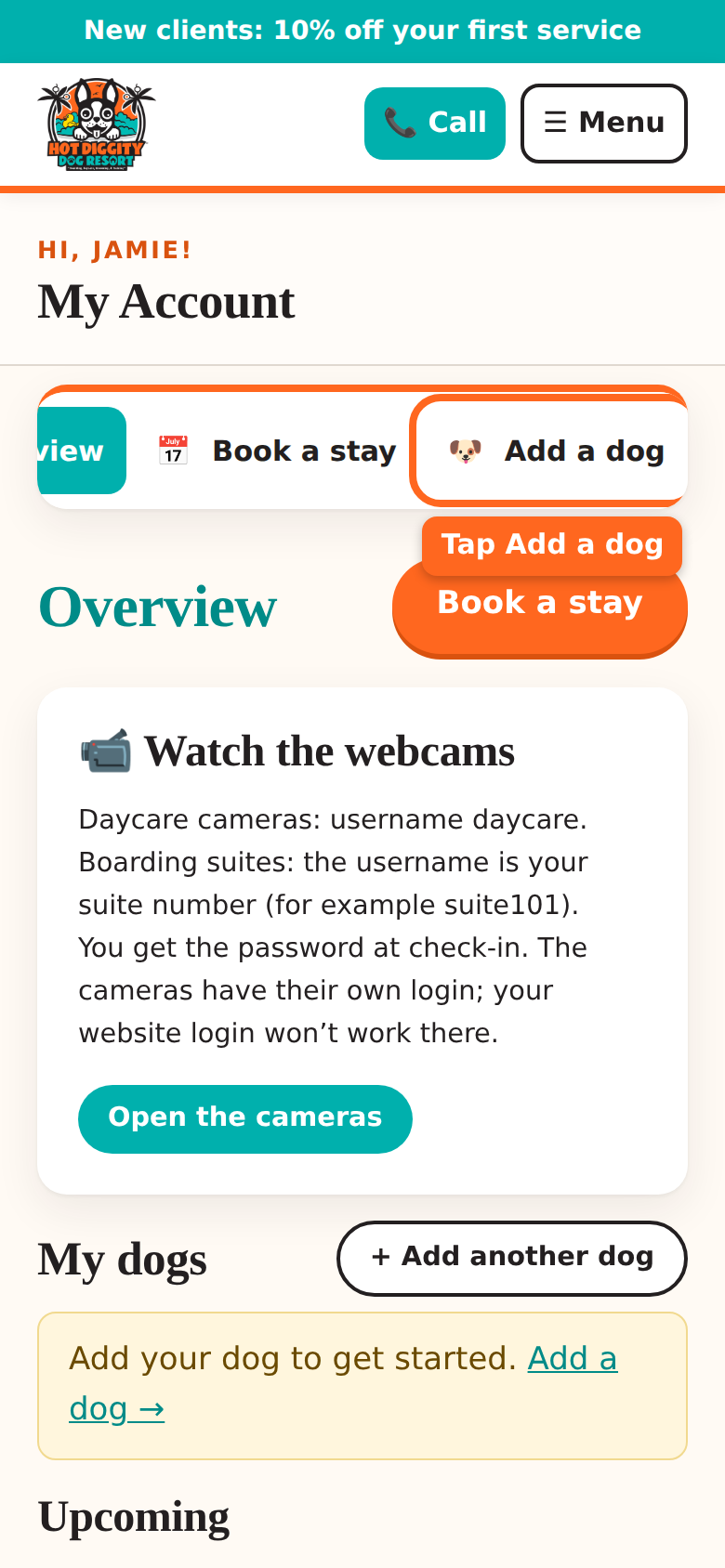
The Add a dog button in the account menu - Type your dog's Name. This is the only box you must fill in.
- Type the Breed. Start typing and pick from the list. A mix is fine, like "Lab mix."
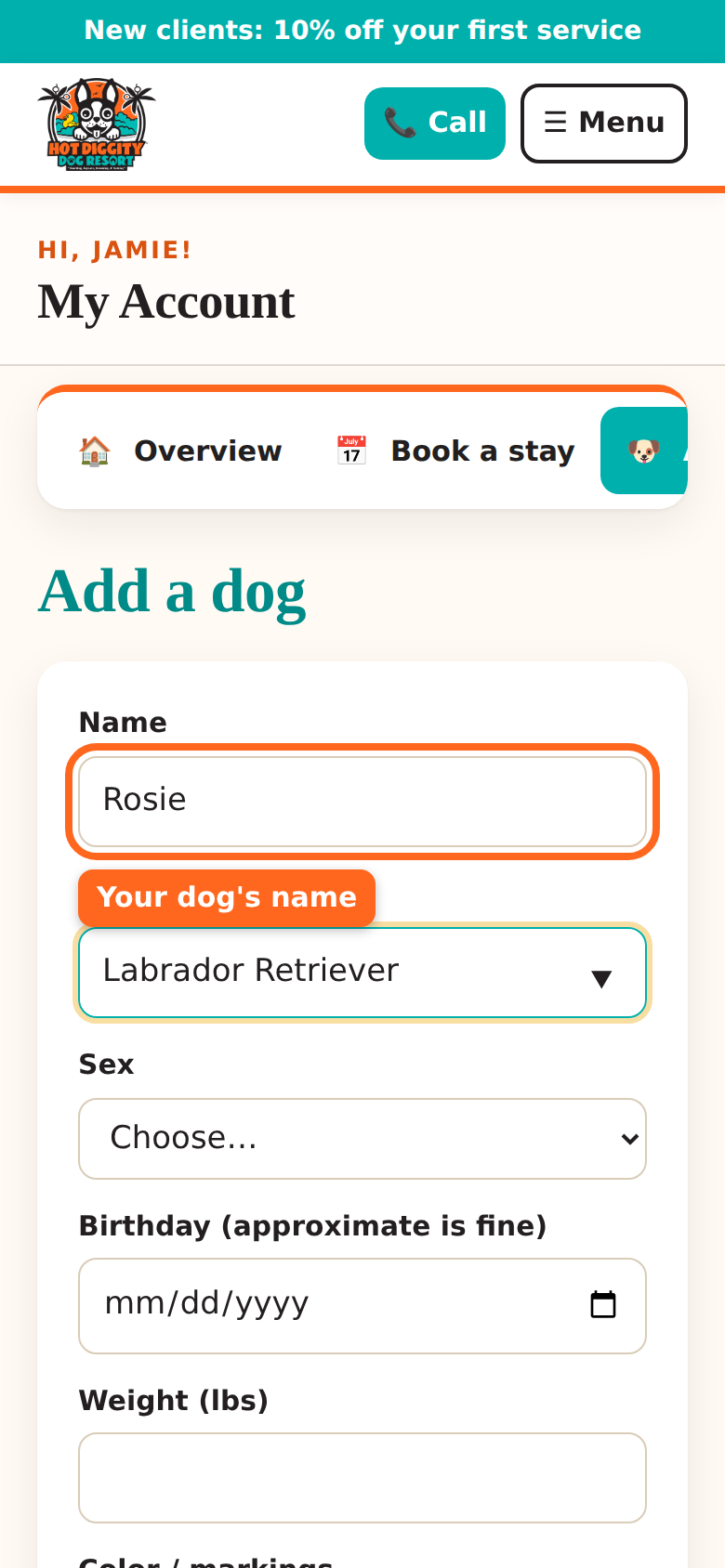
The Name and Breed boxes - Pick the Sex.
- Pick the Birthday. A close guess is fine.
- Type the Weight (lbs). Grooming and daycare prices depend on it.
- Type the Color / markings, like "brown with a white chest."
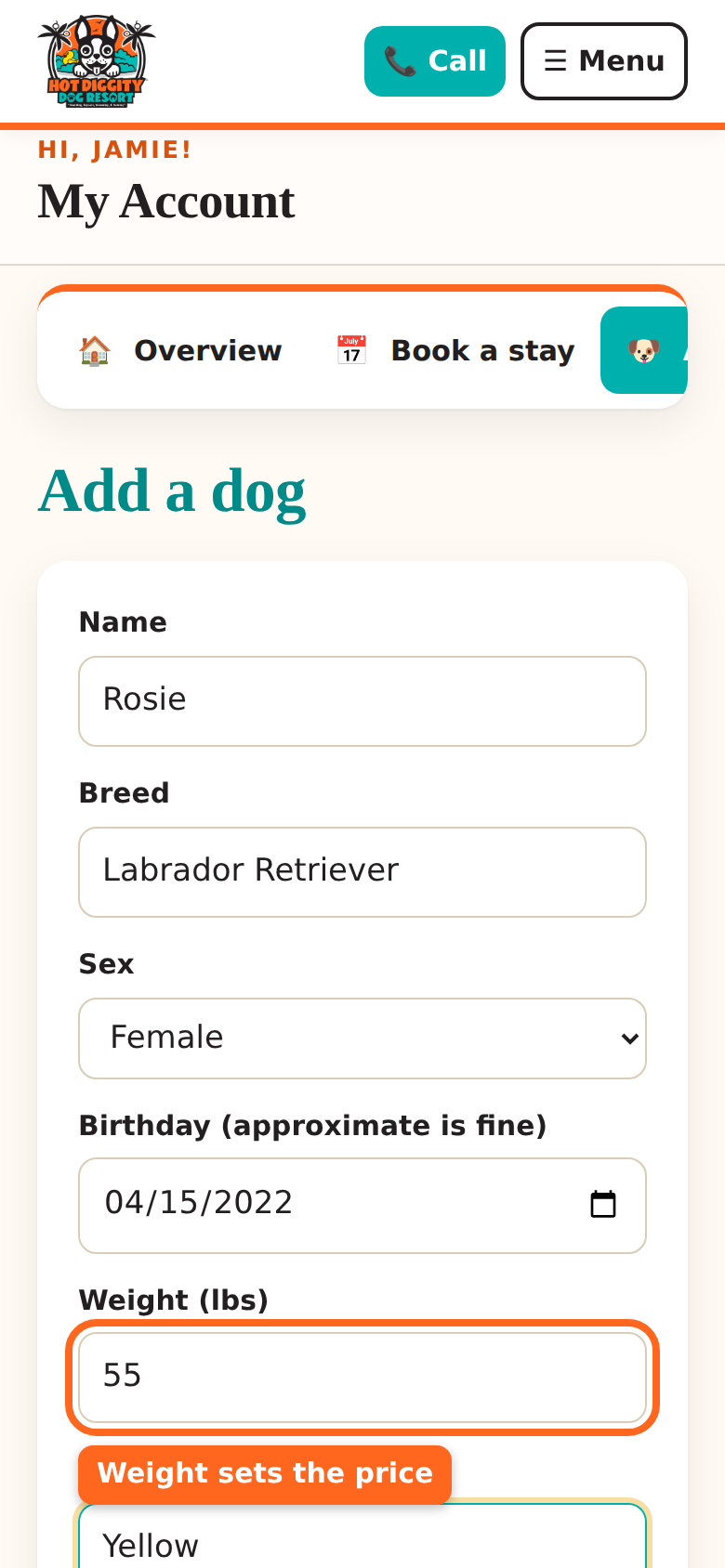
The Weight box - Look at Coat type. It fills in by itself from the breed. Poodles, Doodles, and Bichons are Poodle / Doodle / Bichon. Is it wrong for your dog? Pick the right one.
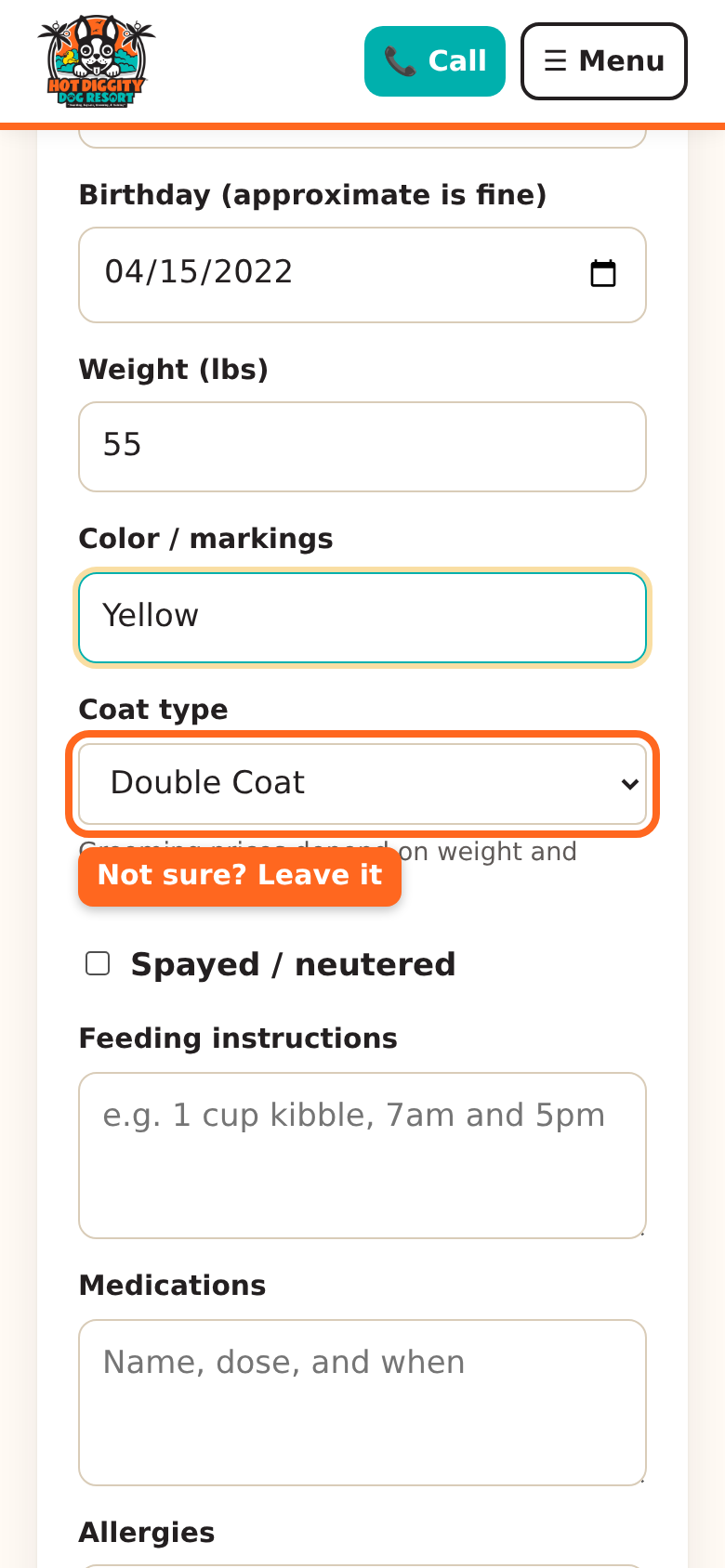
The Coat type list - Is your dog fixed? Check Spayed / neutered.
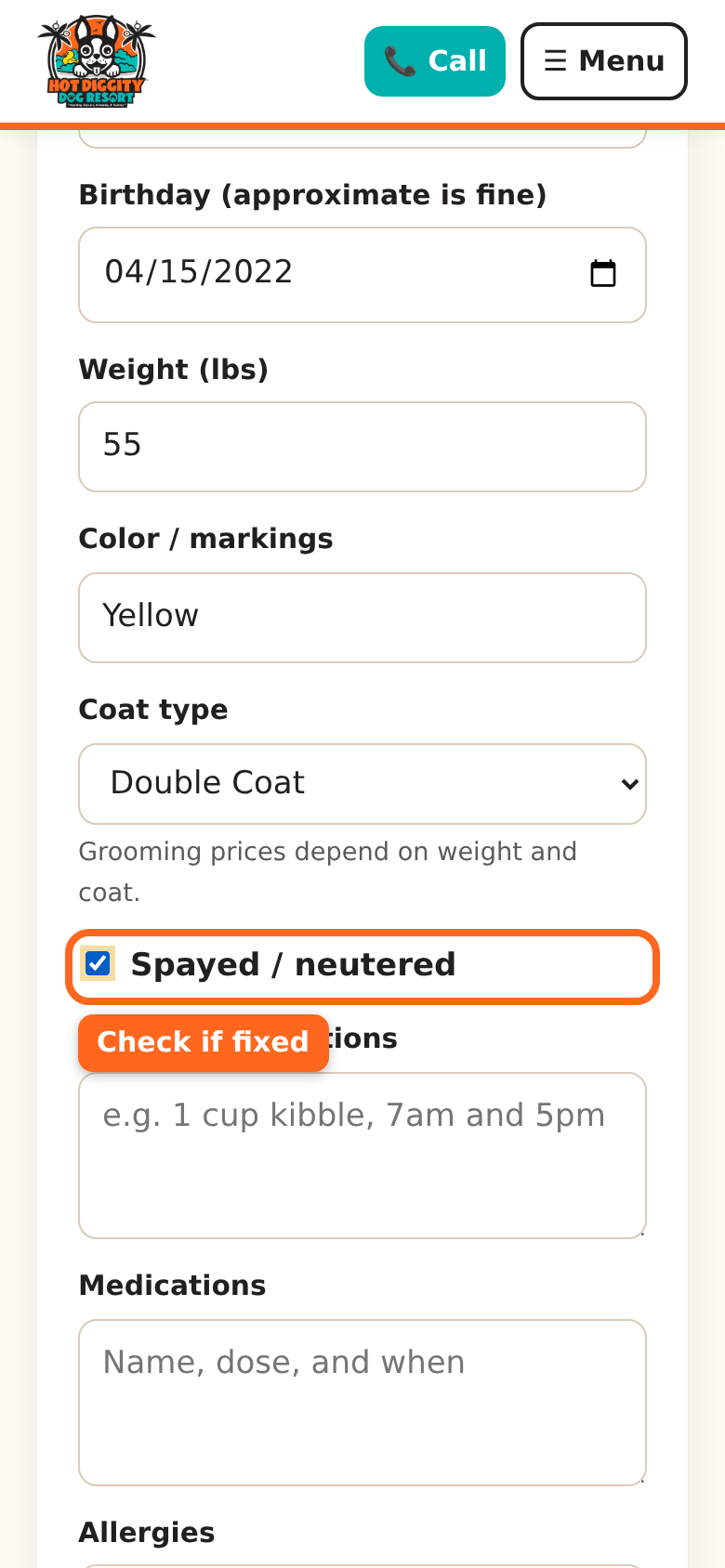
The Spayed / neutered check box Good to know: For daycare and boarding, dogs must be spayed or neutered before 8 months of age. - Fill in Feeding instructions. Say how much food and when.
- Fill in Medications and Allergies, if any.
- Tell us fun facts in Anything we should know? Fears, favorite toys, and how they act with other dogs all help.
- Type your Veterinarian and Vet phone.
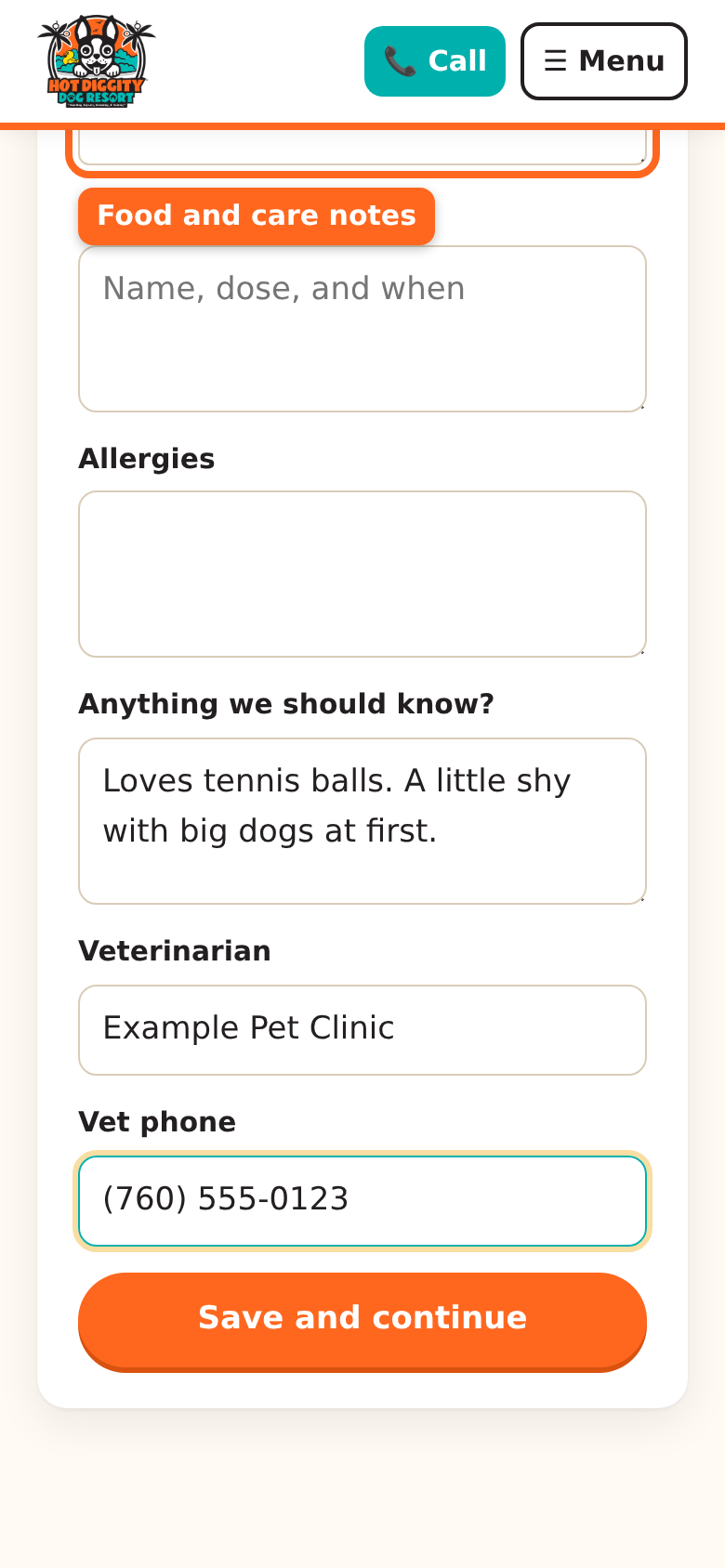
The Feeding instructions box - Tap Save and continue.
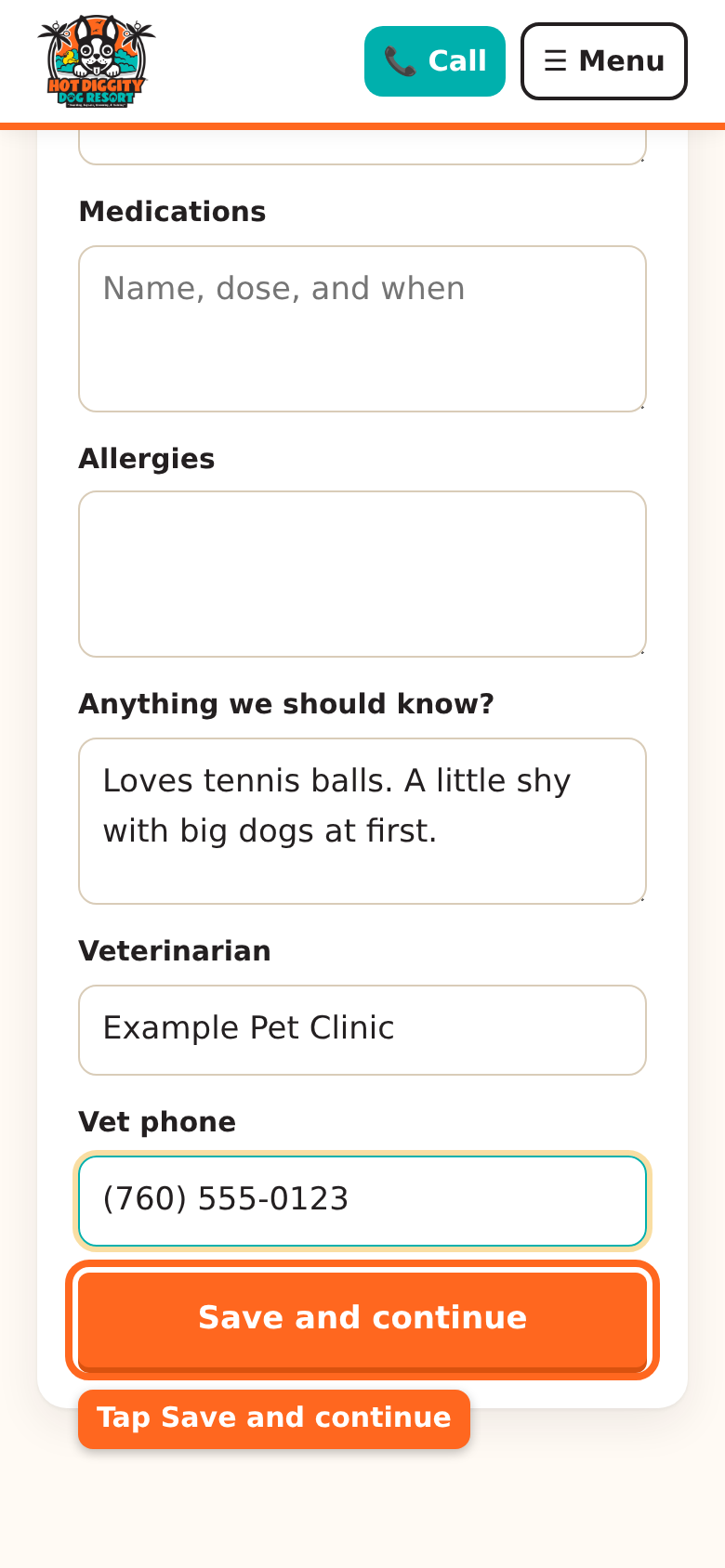
The Save and continue button - You see your dog's page. It says your dog is added.
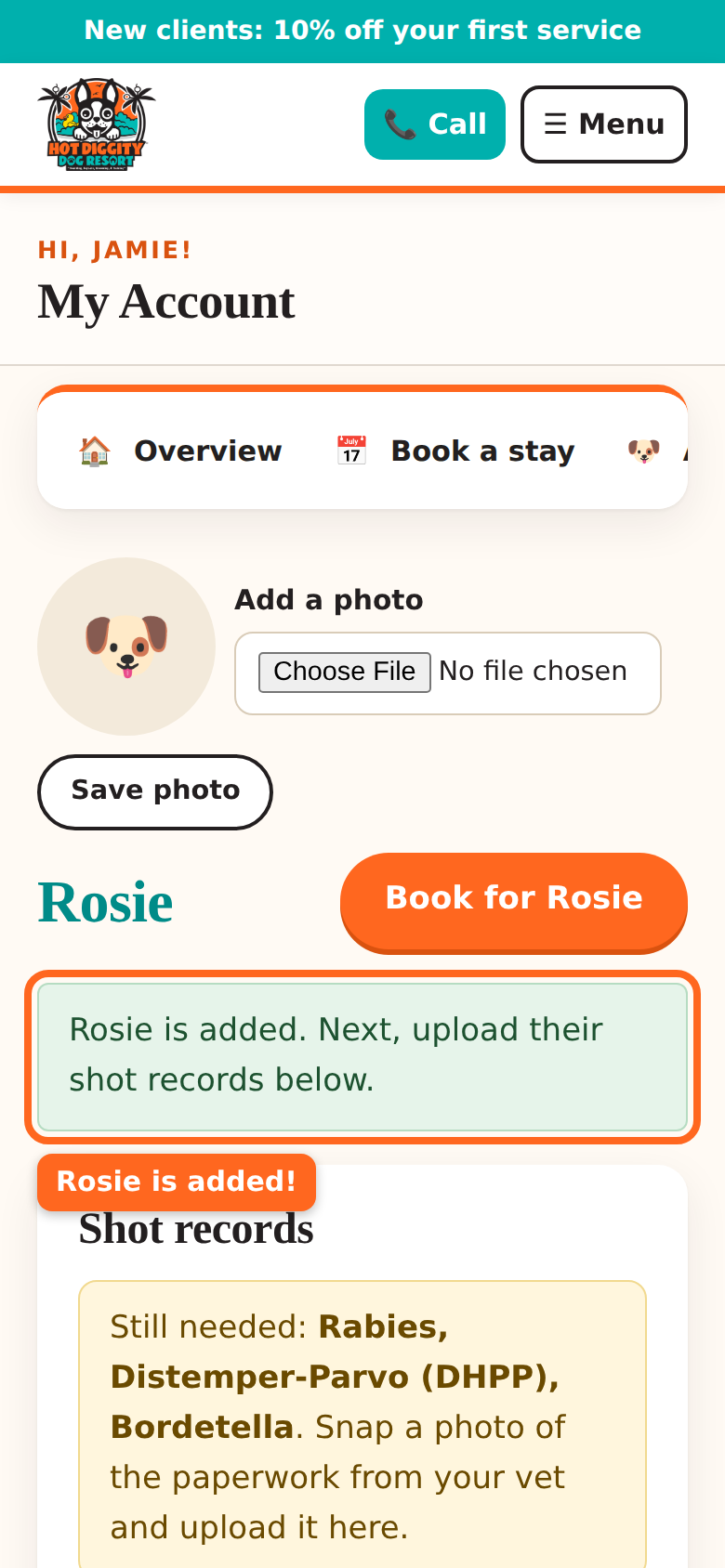
The message that says the dog is added - Next, add the shot records. See Upload shot records.Tip: Add a photo of your dog at the top of the dog's page. It helps our team know your pup. See Change your details.Good to know: Our insurance does not allow bully breeds in boarding or daycare. They are welcome for grooming and training. We also can't take dogs with a history of biting in daycare or boarding.Stuck? Call us at (760) 745-9900.